
 Install Free Plugin
The only Figma plugin with spreadsheet editing, automated palette generation, visual relationship graphs, and WCAG contrast checking—all in one place.
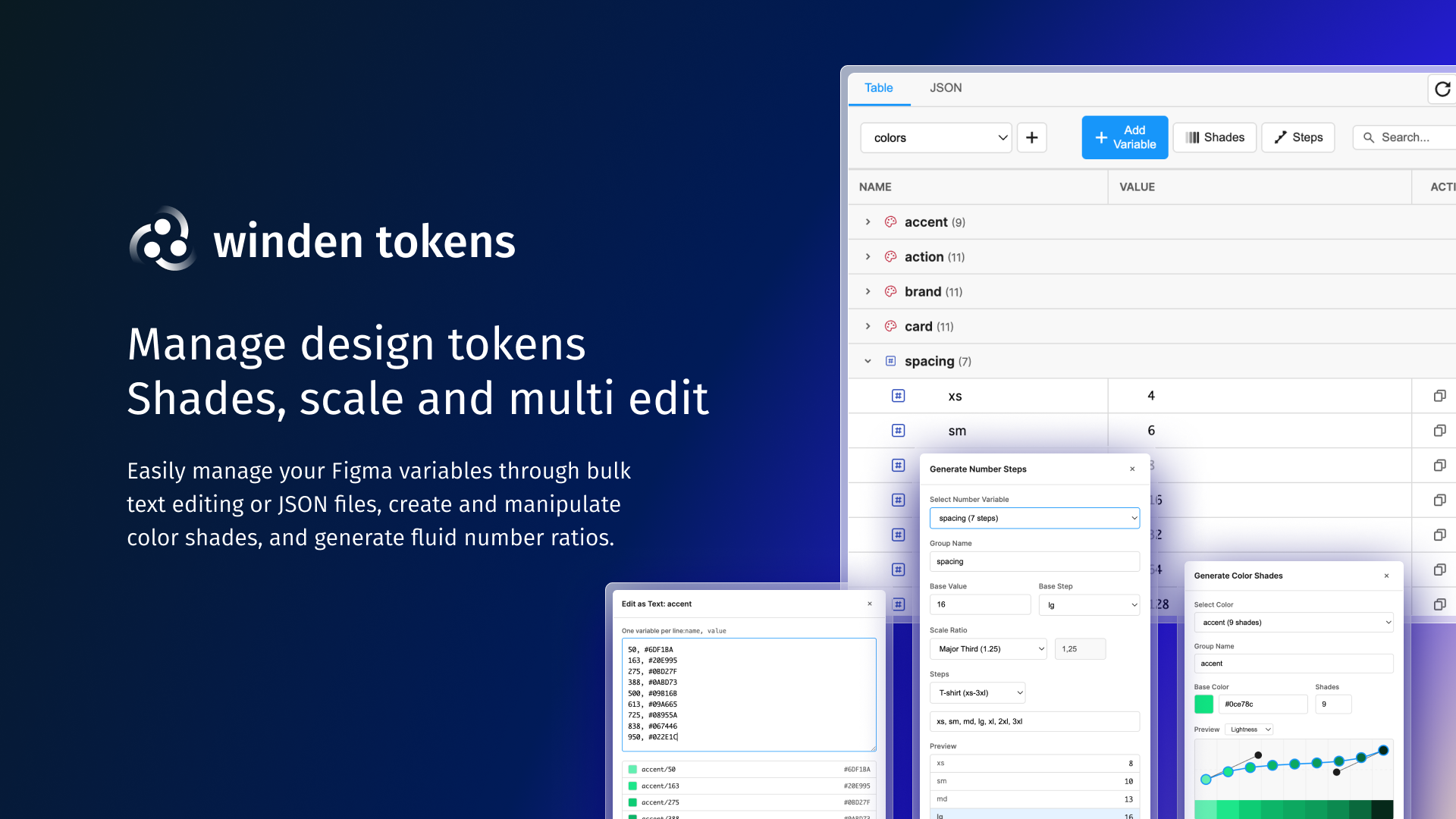
Generate 50-950 shade palettes and entire spacing scales in seconds, not hours
WCAG 2.1 contrast checking with AA/AAA badges for every color pair
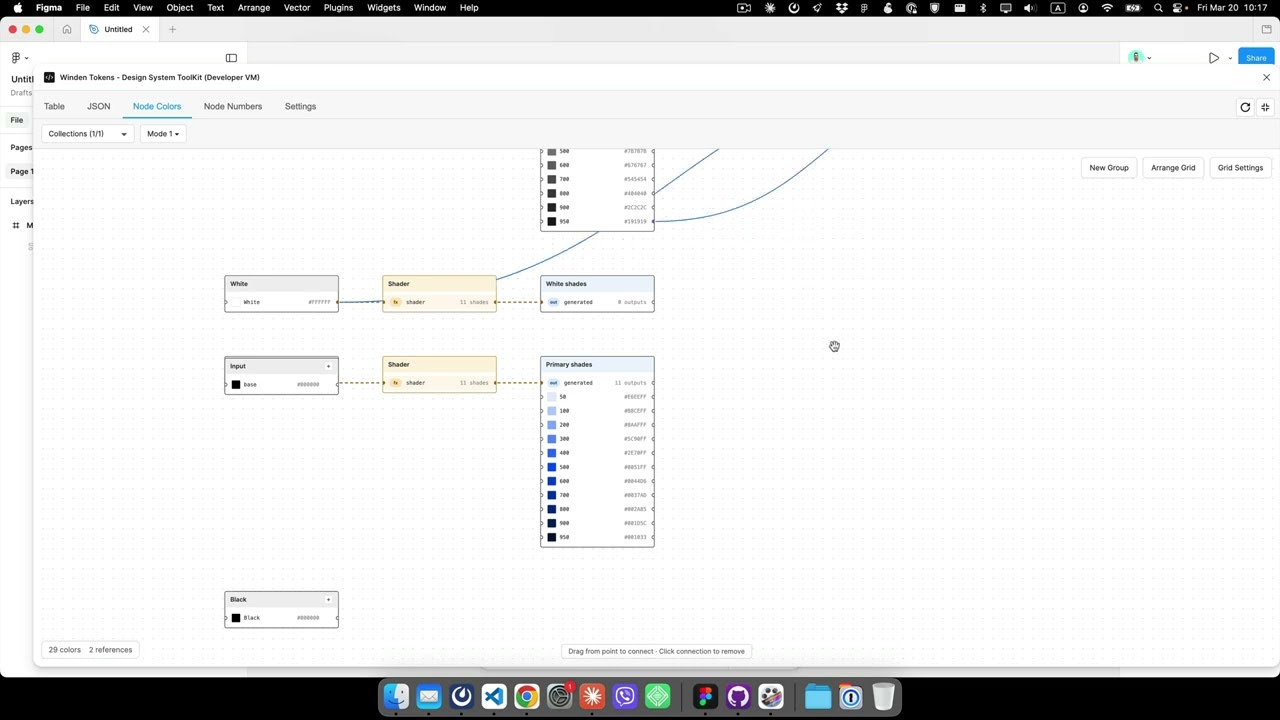
Interactive node graphs show token dependencies and aliases at a glance
Six specialized views
Everything you need to manage design tokens at scale
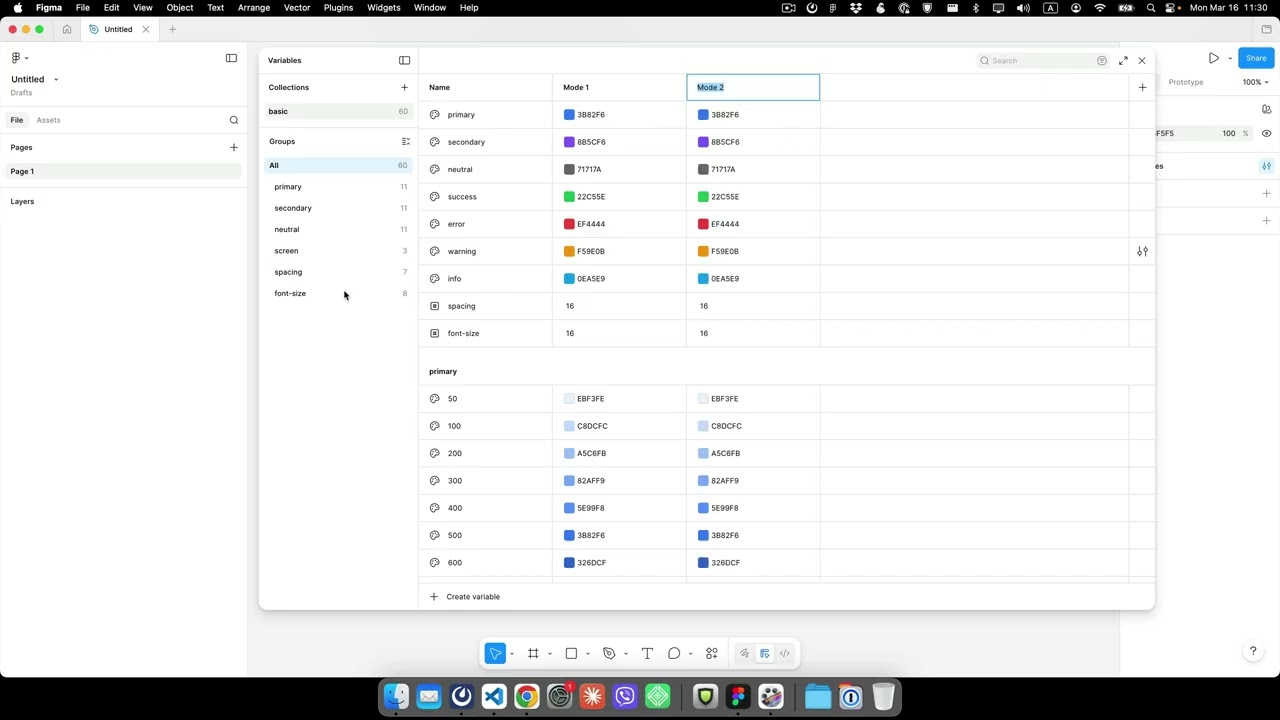
Spreadsheet-style editing with inline controls, collection switching, and instant search
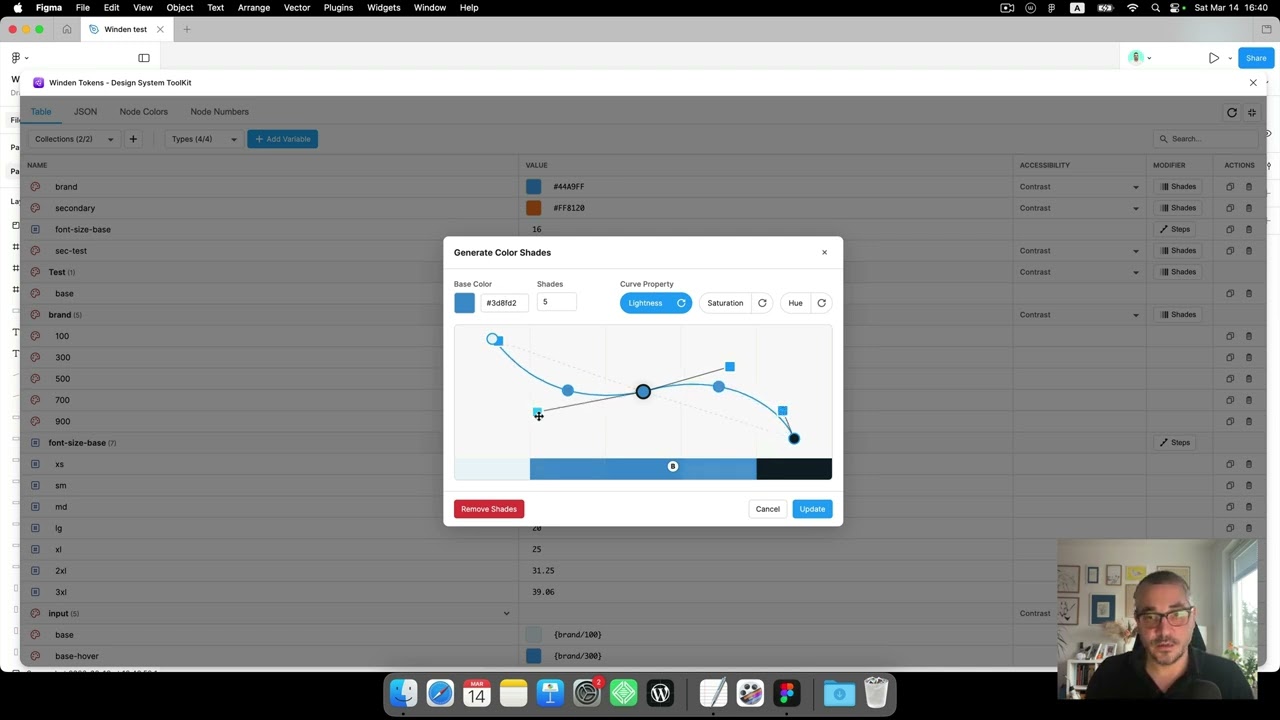
Generate 50-950 color palettes with advanced Bezier curve controls
Create spacing/sizing scales with Golden Ratio, Major Third, and more
Interactive graphs for colors and numbers showing all token relationships
WCAG 2.1 compliance with real-time AA/AAA badges
CSV and JSON editors for importing/exporting entire token sets
Latest Videos
Step-by-step guides to master every feature
Latest Updates
Recent improvements and new features
Dark mode UI update with improved relationships view. This release includes updated UI styling, dark theme support, cleaner code organization, and enhanced visual relationships between design tokens.
Major milestone with managed shade generator, step generator for numbers, multi-mode support, and preset imports. Includes collection filters, type filters, and ability to reuse existing variables for powerful design token...
Deployment update and stability improvements for the Winden Tokens Figma plugin.
vs Native Figma Variables
Figma provides the foundation. Winden Tokens adds the workflows.
| Feature | Winden Tokens | Native Figma |
|---|---|---|
| Spreadsheet-style editing | Yes | Limited |
| Move variables between collections | Dropdown | Manual copy/paste |
| Auto-generate 50-950 color palettes | Bezier curves | No |
| Number scale generator (Golden Ratio, etc.) | 8 presets | No |
| Visual node graphs for relationships | Colors + Numbers | No |
| WCAG contrast checking | AA/AAA badges | No |
| CSV/JSON batch editing | Both | No |
| Auto-sync with native variables (2s) | Yes | N/A |
| Multi-mode support (Light/Dark) | Yes | Yes |
| Group operations (move, edit, contrast) | Yes | Manual only |
| All variable types (Color, Number, String, Boolean) | All 4 | All 4 |
Free, open source, and used by designers at top companies.
News, features, and changelog
Dark mode UI update with improved relationships view. This release includes updated UI styling, dark theme support, cleaner code organization, and enhanced visual relationships between...
Major milestone with managed shade generator, step generator for numbers, multi-mode support, and preset imports. Includes collection filters, type filters, and ability to reuse existing...