
Master Winden Tokens: Essential Workflows for Design Token Management
Overview
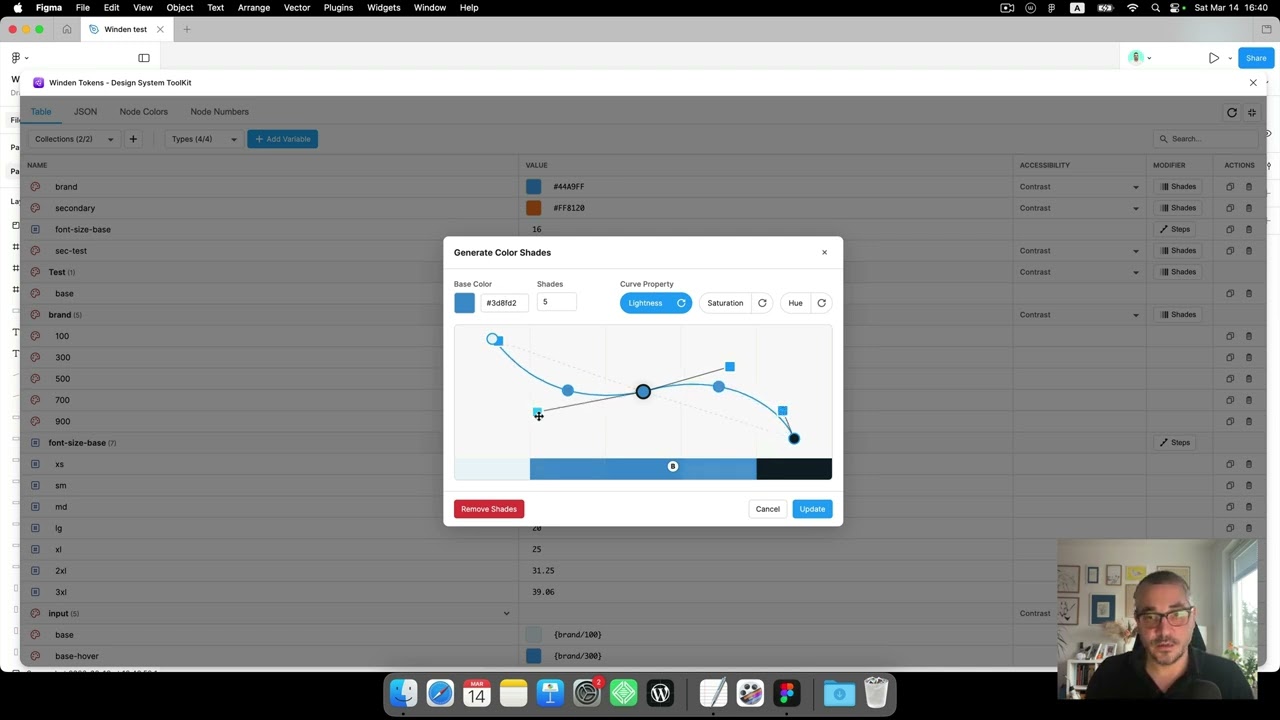
This tutorial demonstrates essential workflows and features in Winden Tokens. Learn how to effectively manage design tokens and streamline your design system workflow in Figma.
What You’ll Learn
In this tutorial, you’ll discover:
- Core Workflows: Essential processes for working with design tokens
- Feature Deep Dive: In-depth look at key plugin capabilities
- Practical Examples: Real-world scenarios and use cases
- Productivity Tips: Shortcuts and techniques for faster token management
- Best Practices: Recommended approaches for design system organization
Key Topics Covered
This video covers important aspects of Winden Tokens including:
- Variable creation and management workflows
- Collection organization strategies
- Token naming conventions
- Bulk operations and efficiency techniques
- Integration with your existing design system
Who This Tutorial Is For
This tutorial is perfect for:
- Designers working with design systems
- Teams managing shared design tokens
- Anyone looking to improve their Figma workflow
- Design system maintainers and contributors
Getting Started
If you haven’t installed Winden Tokens yet:
- Go to Plugins > Development > Import plugin from manifest in Figma
- Select the
manifest.jsonfile from the GitHub repository - Or build from source using
npm run build
Apply What You’ve Learned
After watching this tutorial:
- Try implementing the workflows in your own projects
- Experiment with the features demonstrated
- Adapt the techniques to your team’s needs
- Share your learnings with your design team
Related Resources
- Installation Guide
- Winden Tokens Introduction
- Design Tokens Best Practices
- Complete Documentation
- Latest Release Notes
Continue Learning
Check out more tutorials in the series:
Have Questions?
If you have any questions about the topics covered in this tutorial:
- Open an issue on GitHub
- Watch more tutorials in our tutorial series
- Check out our comprehensive documentation
Keep learning! More tutorials are available in our tutorial series.