
Winden Tokens: The Ultimate Figma Plugin for Design System Management
Overview
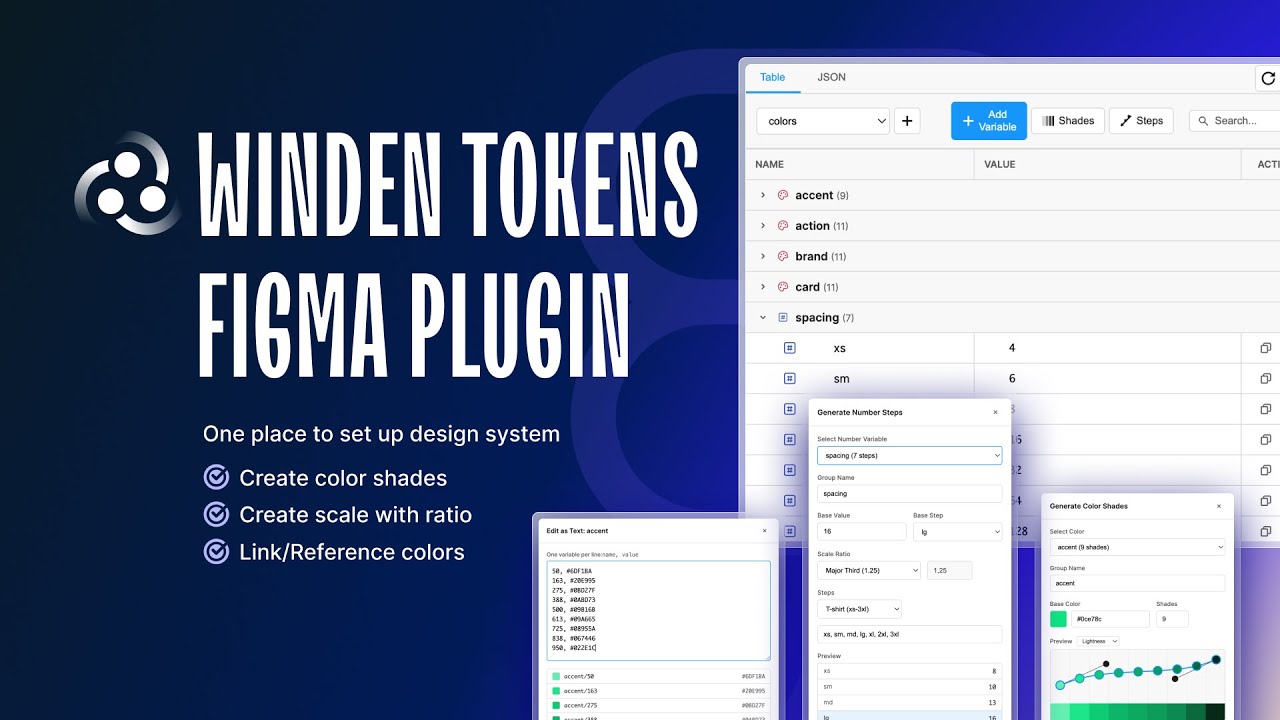
This tutorial introduces Winden Tokens and demonstrates how it can revolutionize your design system workflow in Figma. Learn about the core features, capabilities, and how this plugin can help you maintain consistency across your design projects.
What You’ll Learn
In this tutorial, you’ll discover:
- Introduction to Winden Tokens: What it is and why you need it
- Core Features: Key capabilities that make design token management easier
- Design System Integration: How to integrate tokens into your design system
- Variable Management: Working with Figma variables efficiently
- Practical Examples: Real-world use cases and workflows
- Getting Started: First steps with the plugin
Why Use Winden Tokens?
Winden Tokens solves common challenges in design system management:
- Centralized Token Management: Keep all your design tokens organized in one place
- Consistency: Ensure design consistency across all your projects
- Scalability: Manage tokens efficiently even as your design system grows
- Collaboration: Make it easier for teams to work with shared design tokens
- Developer Handoff: Bridge the gap between design and development
Key Features Covered
This video demonstrates:
- Variable creation and organization
- Collection management
- Token types (colors, spacing, typography)
- Bulk editing capabilities
- Search and filter functionality
- Export options for developers
Getting Started
Ready to try Winden Tokens? Here’s how to install:
- Development Version:
- Go to Plugins > Development > Import plugin from manifest in Figma
- Select the
manifest.jsonfile from the GitHub repository
- Build from Source:
git clone https://github.com/yourusername/winden-tokens.git cd winden-tokens npm install npm run build - Import in Figma: Use Figma’s plugin development tools to load the built plugin
Design System Best Practices
When using Winden Tokens, consider these best practices:
- Naming Conventions: Use consistent, descriptive names for your tokens
- Hierarchy: Organize tokens in a logical structure (e.g., colors/primary/500)
- Documentation: Document your tokens for team members
- Versioning: Keep track of changes to your design system
- Testing: Test token changes across different components before finalizing
Related Resources
Next Steps
After watching this introduction:
- Install Winden Tokens in your Figma workspace
- Watch the installation tutorial
- Explore the design tokens best practices guide
- Start organizing your first token collection
- Check out the March 2025 update for the latest features
Have Questions?
If you have any questions about getting started with Winden Tokens:
- Open an issue on GitHub
- Watch more tutorials in our tutorial series
- Read the comprehensive documentation
- Join our community discussions
Ready to transform your design system workflow? Get started with Winden Tokens today!